FAQ & Troubleshooting
Where do my staff sign in?
Section titled “Where do my staff sign in?”They use the Staff Portal. You can preview anyone’s portal from Staff → View as Staff Portal. See The Staff Portal.
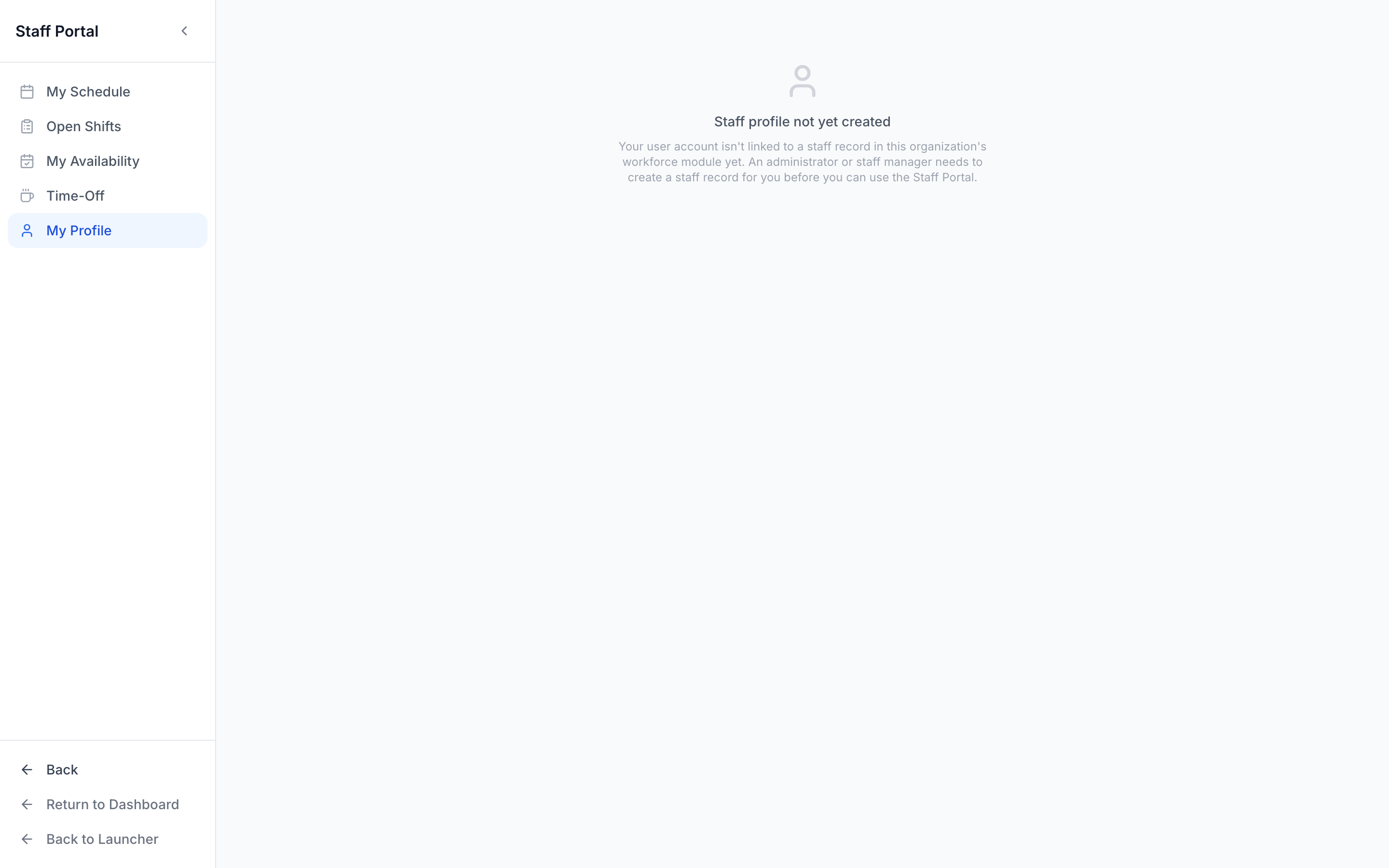
A staffer says “Staff profile not yet created.”
Section titled “A staffer says “Staff profile not yet created.””Their login isn’t linked to a staff record yet. Open Staff, make sure they exist in the directory, and that their account is connected — you’ll see this message in the portal until the link exists.
Smart Suggestions shows no one for a shift.
Section titled “Smart Suggestions shows no one for a shift.”Usually it’s eligibility. Check the staffer’s Positions (do they hold the required role?), their Availability for that date, and Compliance (an expired cert can make someone ineligible). Toggle off “Show only fully-eligible” to see near-matches.
My Reports or Payroll look empty.
Section titled “My Reports or Payroll look empty.”Those views are built from completed, rate-bearing time entries. A brand-new or demo league simply hasn’t accumulated that history yet — they fill in as real shifts are worked and approved.
A posted open shift shows the wrong time on its card.
Section titled “A posted open shift shows the wrong time on its card.”There’s a known display issue where an open-shift card and the Claims modal can render a shift’s time shifted by your timezone offset. The Post dialog and the Schedule show the correct local time, and the shift itself is stored correctly — it’s display-only, and it’s logged for the team to fix.
Is there a mobile app?
Section titled “Is there a mobile app?”A dedicated G2 Workforce mobile app is in development. Until it ships, the web Staff Portal works great on a phone browser.