Schedule
The Schedule is the heart of G2 Workforce — a calendar of every shift, who’s on it, and where.
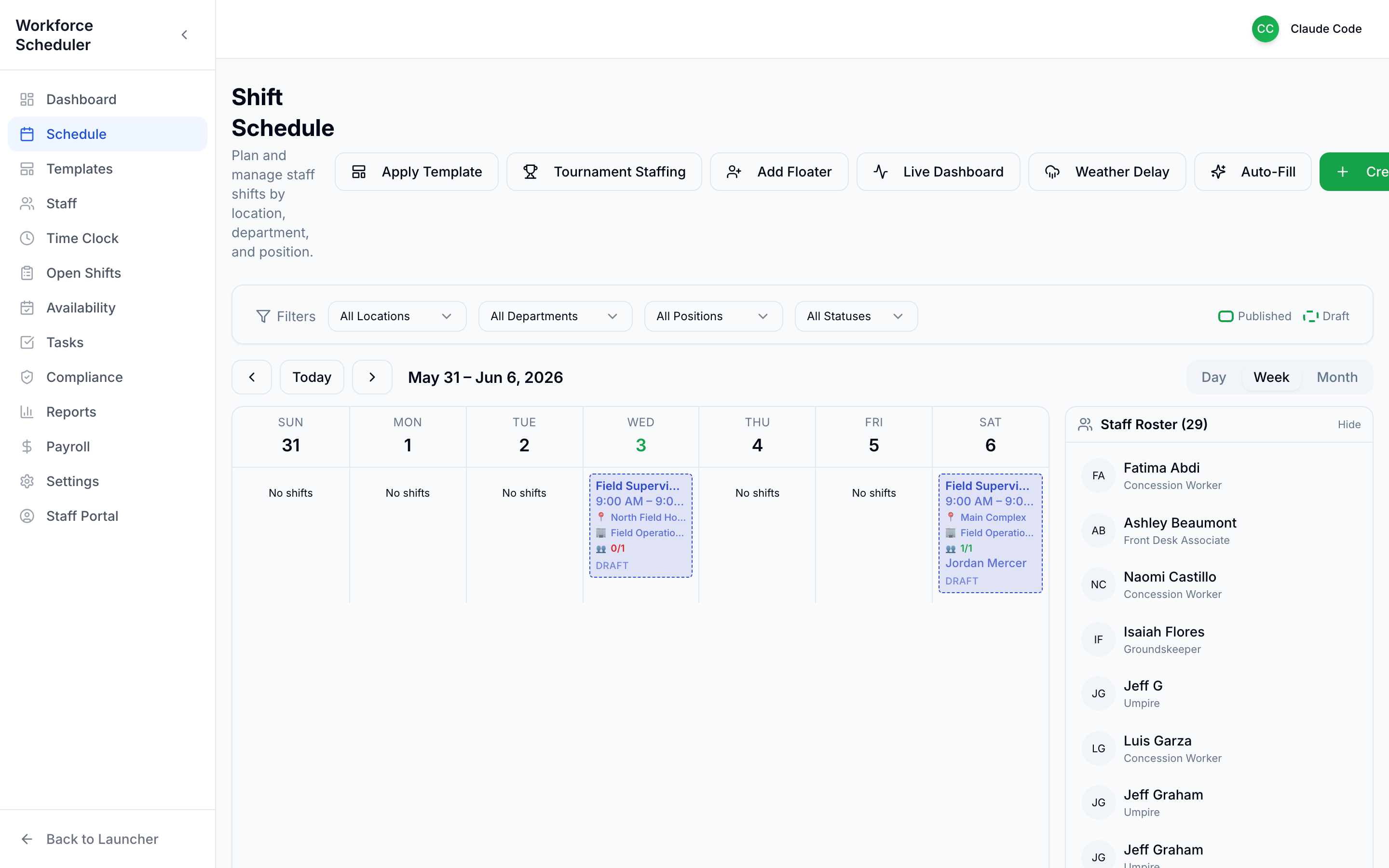 Day / Week / Month views, filters, a live Staff Roster, and Published vs Draft color coding.
A few things to notice:
- Switch between Day / Week / Month, and page through with the arrows.
- Filter by Location, Department, Position, or Status to cut the noise.
- The Staff Roster on the right shows everyone available to schedule.
- Shifts are color-coded: Published (live) vs Draft (still cooking). Build in draft, publish when you’re ready.
The toolbar
Section titled “The toolbar”| Button | What it does |
|---|---|
| Create | Add a single shift by hand |
| Apply Template | Stamp a saved week of shifts onto these dates |
| Auto-Fill | Suggest assignments for empty shifts |
| Add Floater | Add a flexible, roving staffer |
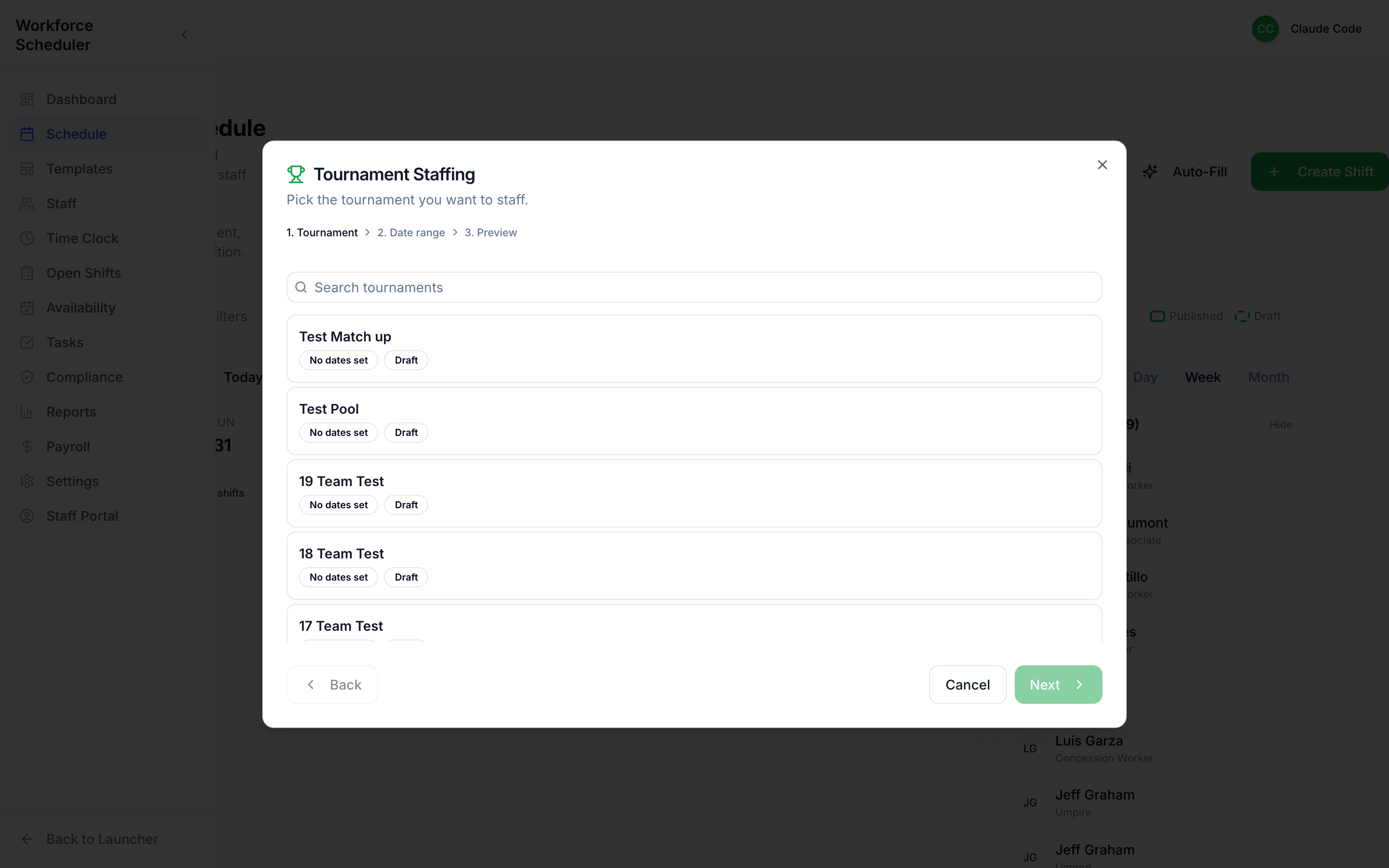
| Tournament Staffing | Generate a whole tournament’s shifts |
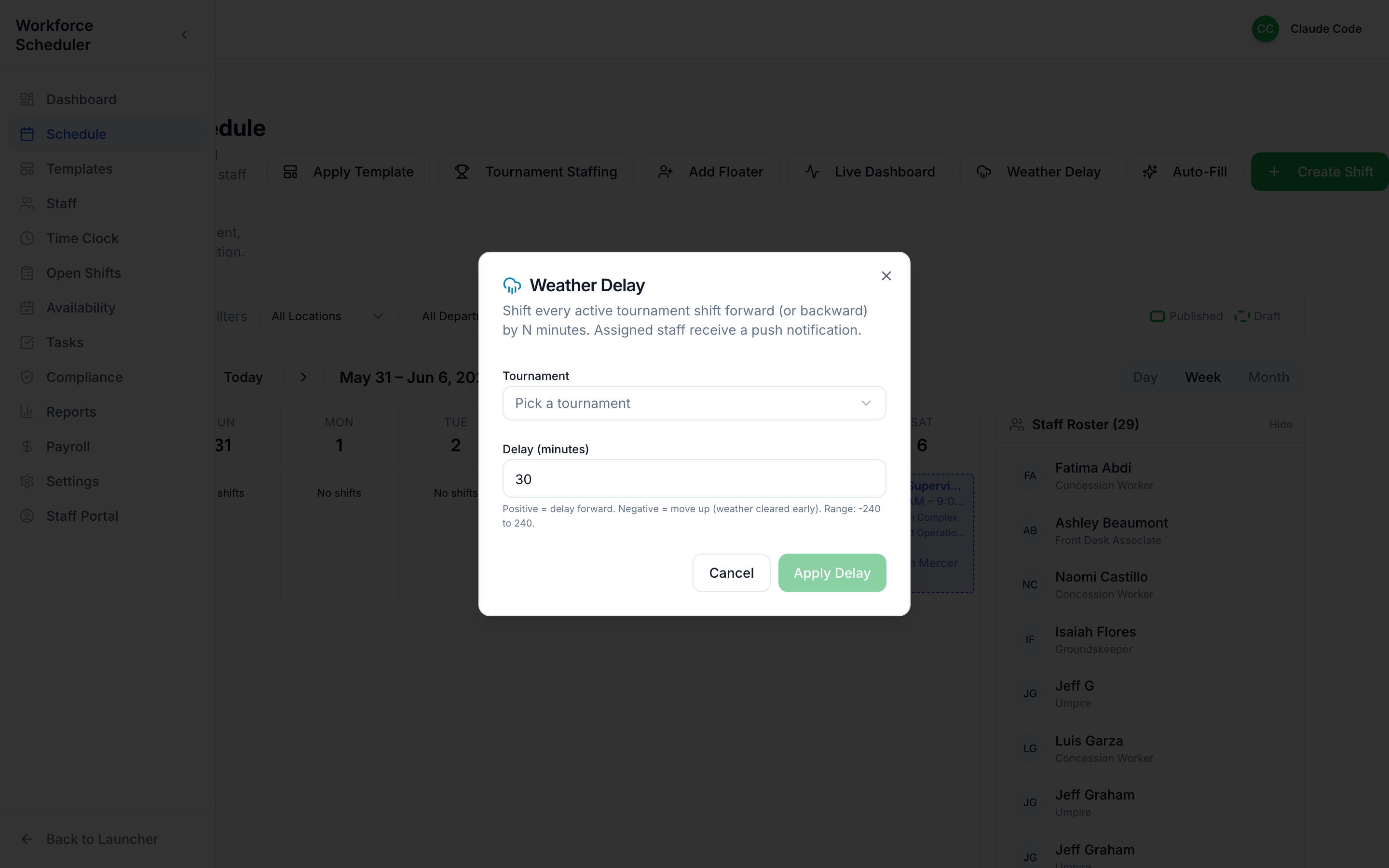
| Weather Delay | Push affected shifts when the weather turns |
| Live Dashboard | Jump to the real-time tournament view |
Create a shift
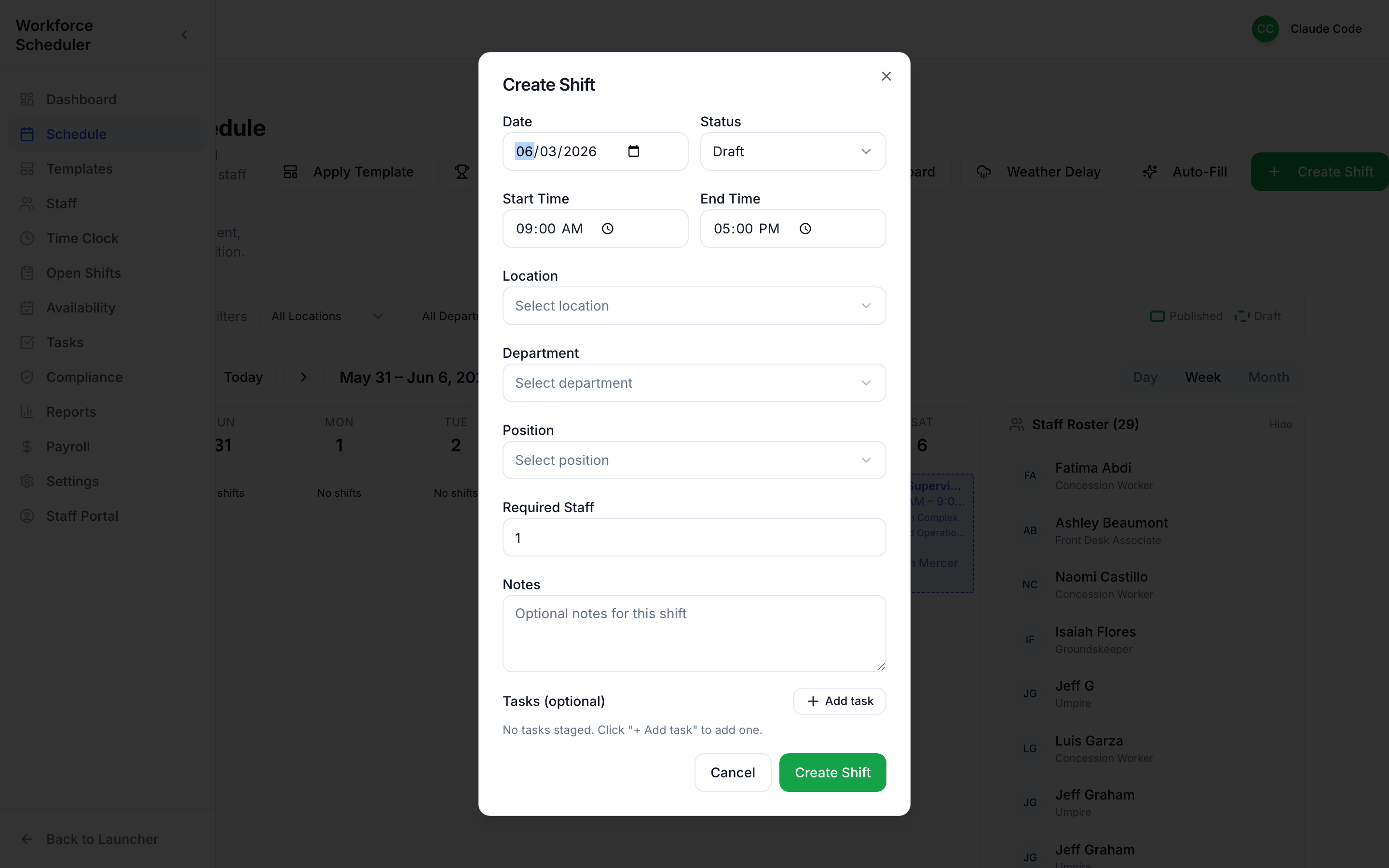
Section titled “Create a shift”Click Create, then set the date, time, location, position, and how many people you need.
Smart Suggestions
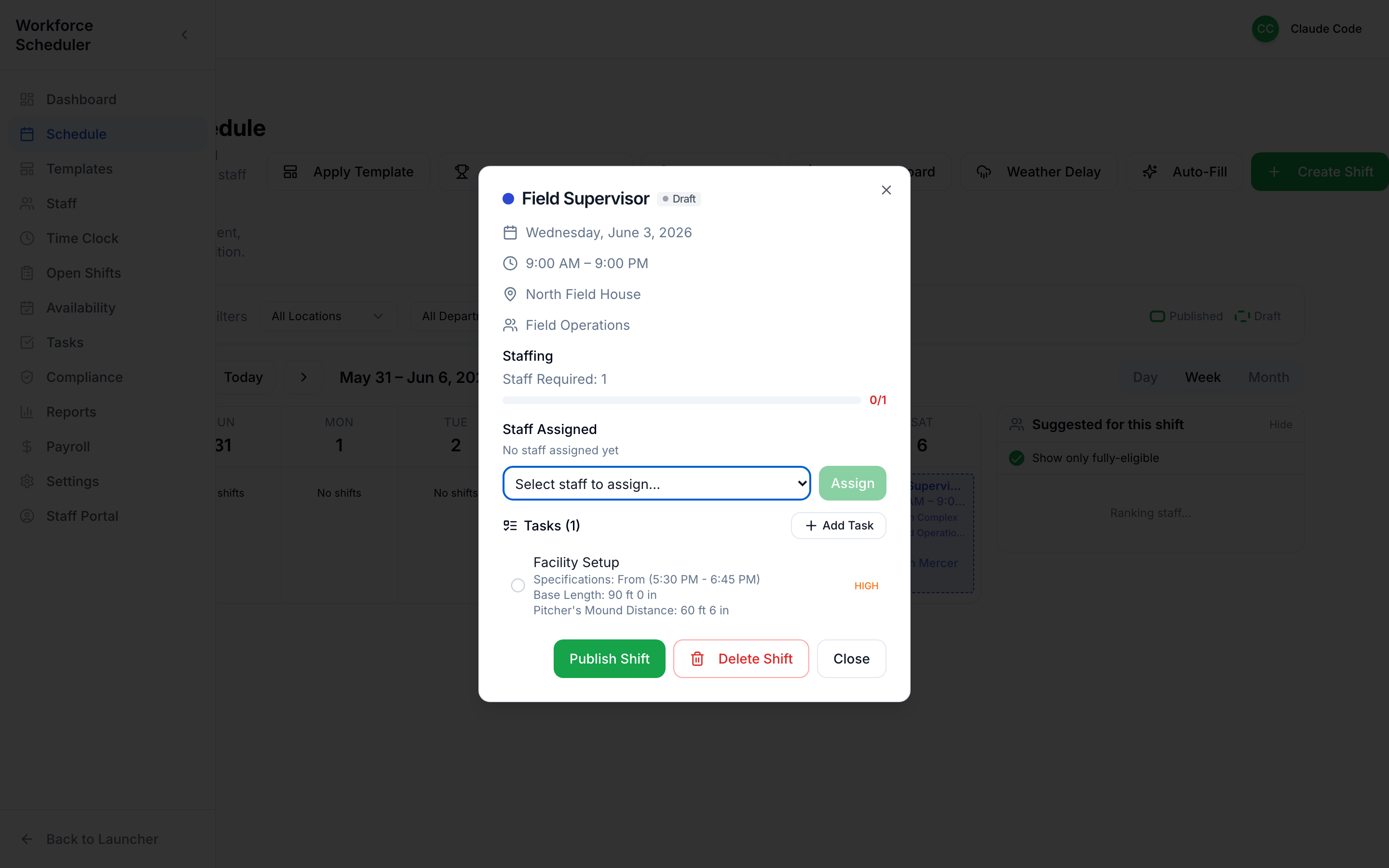
Section titled “Smart Suggestions”Open any shift and G2 Workforce does the hard part for you. It looks at who’s qualified, who’s available, and who isn’t already booked — then ranks the best people for this shift, right beside it.
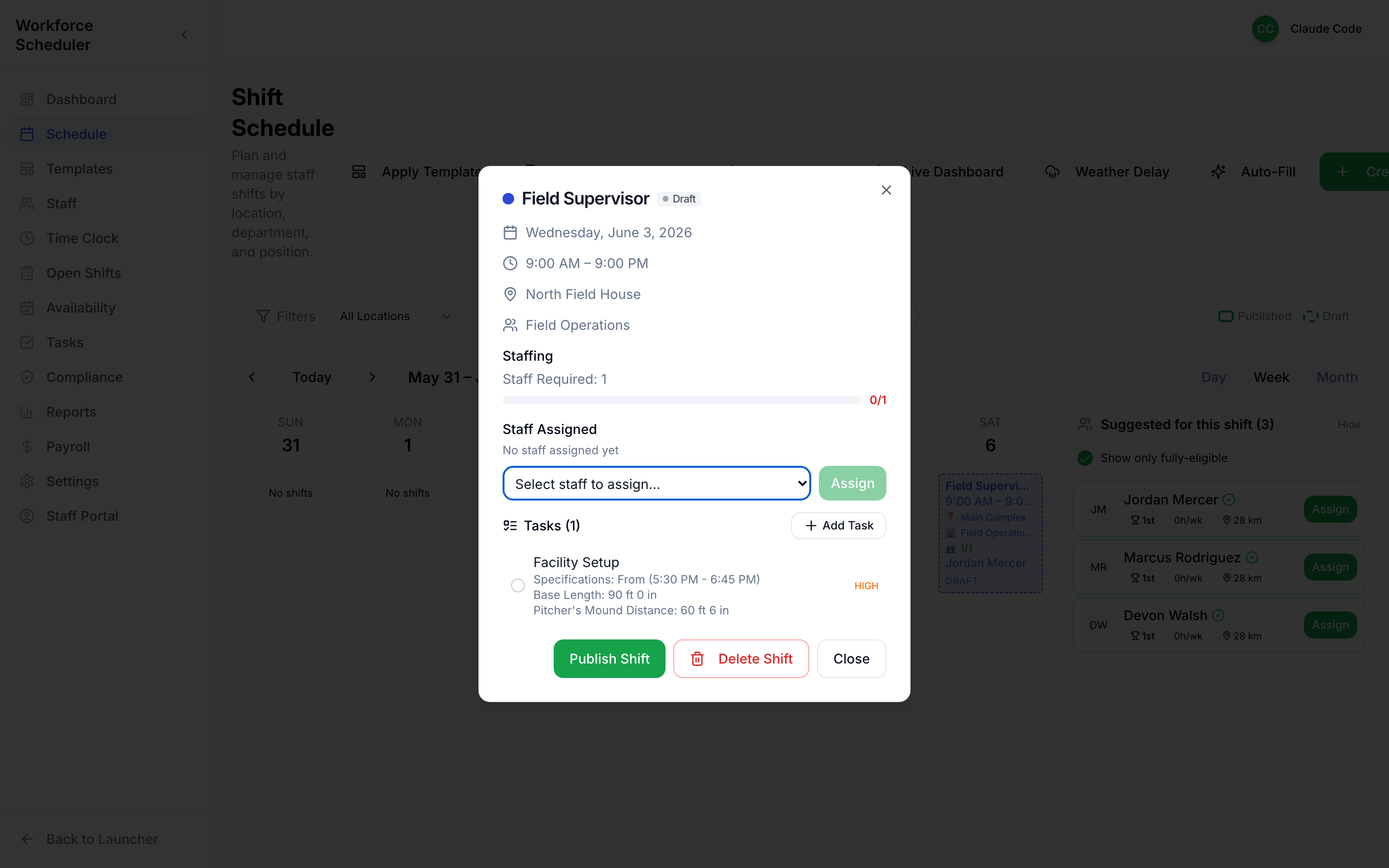 Ranked suggestions with distance and stats. Hit Assign and they’re on; toggle “Show only fully-eligible” to hide conflicts.
You can also attach Tasks to the shift right here (e.g. Facility Setup — mound distance 60 ft 6 in), then Publish when it’s ready.
Apply a template
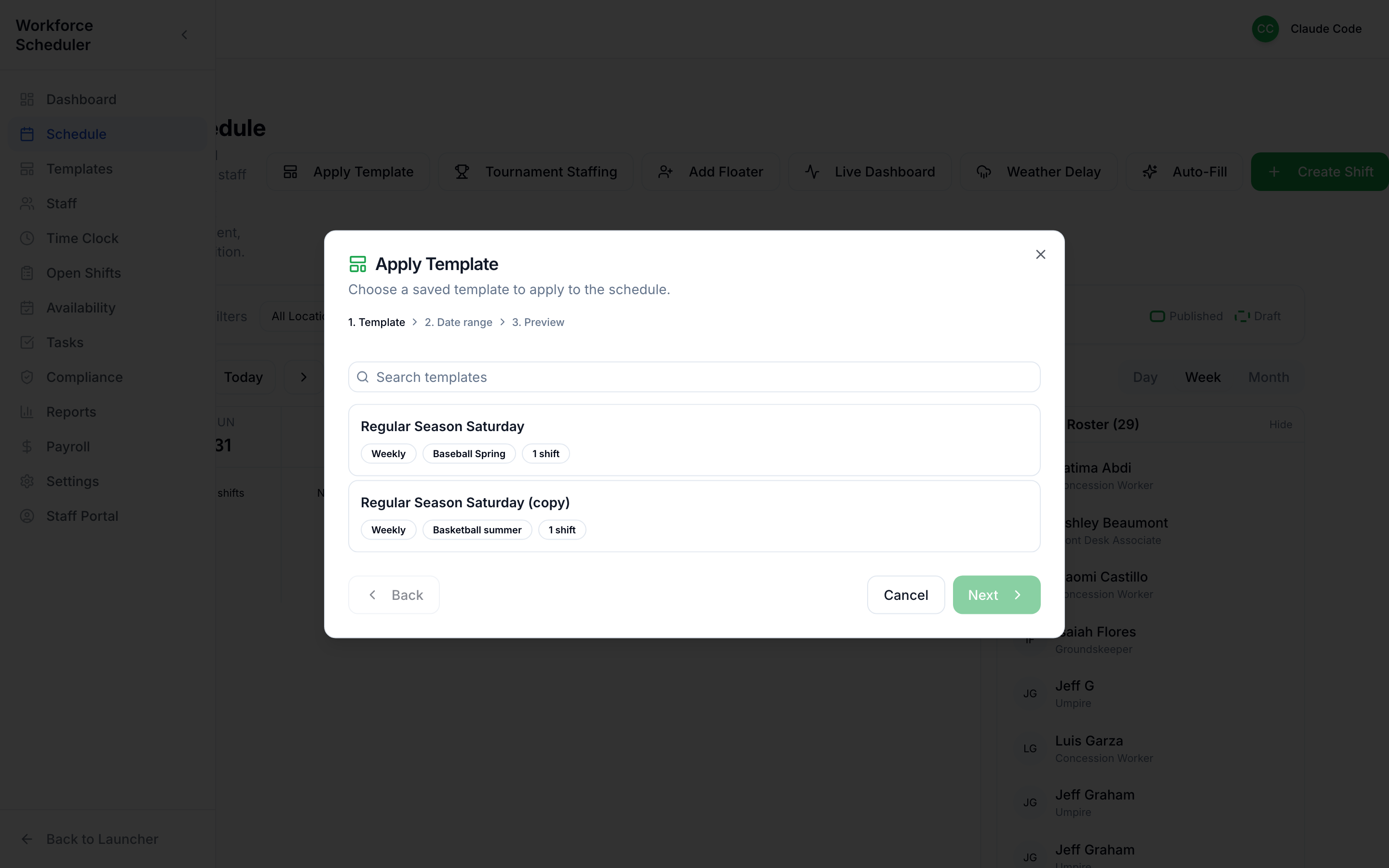
Section titled “Apply a template”Most weeks look like other weeks. Apply Template drops a saved pattern of shifts onto your chosen dates in one click.
Auto-Fill the gaps
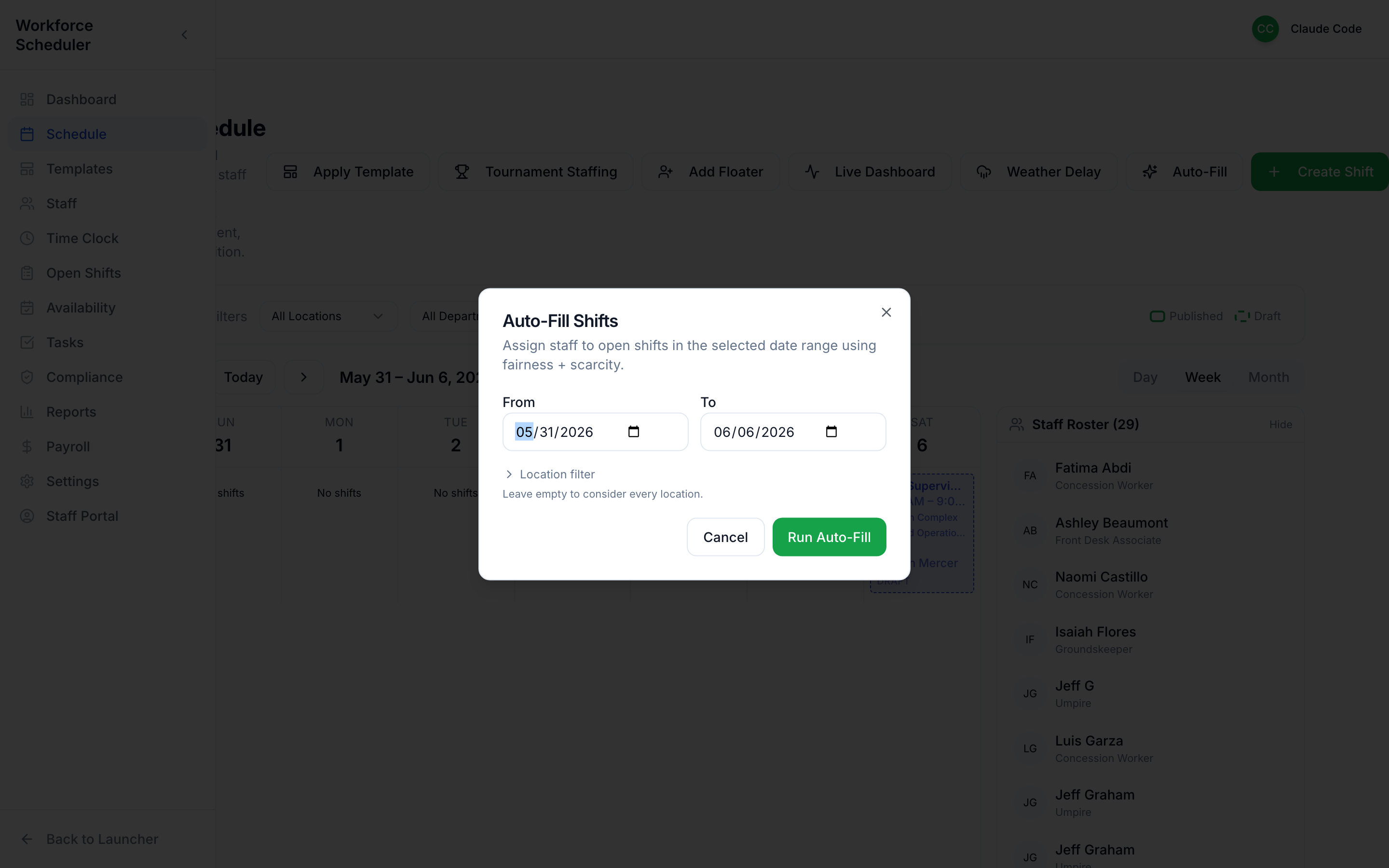
Section titled “Auto-Fill the gaps”Auto-Fill takes your empty shifts and proposes a full set of assignments using the same eligibility logic as Smart Suggestions — a great starting point you can then tweak.
Add a floater
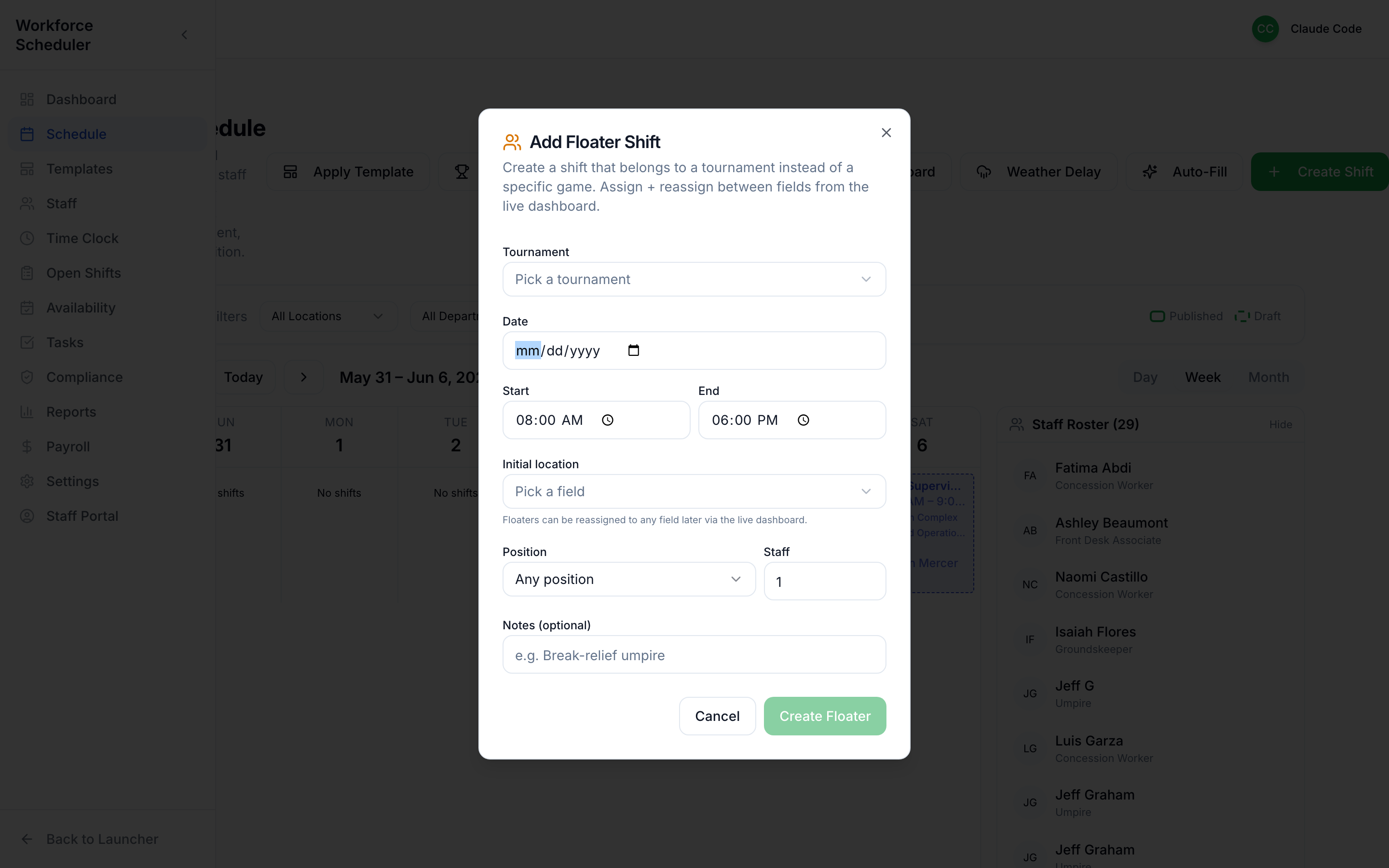
Section titled “Add a floater”Need someone flexible who can bounce between fields? Add Floater puts a roving staffer on the day without pinning them to a single assignment.
Tournament staffing in one move
Section titled “Tournament staffing in one move”Tournaments are a scheduling nightmare done by hand. Tournament Staffing reads the tournament’s game schedule and generates every shift you need across every field.
When the weather turns
Section titled “When the weather turns”Weather Delay lets you push the affected shifts (and notify staff) instead of deleting and rebuilding them.