
Concessions overview
Concessions runs your snack stand: the menu, the register tablets, the kitchen screens, guest ordering from a phone, cash drawers and the reports. Everything is set up in the back office under Concessions in the left rail. The stand itself runs on tablets paired to your league.
Concessions is a module. A league admin turns it on in Settings › Modules › Concessions. Turning it off pauses ordering everywhere within about a minute. Orders already placed can still be paid and completed.
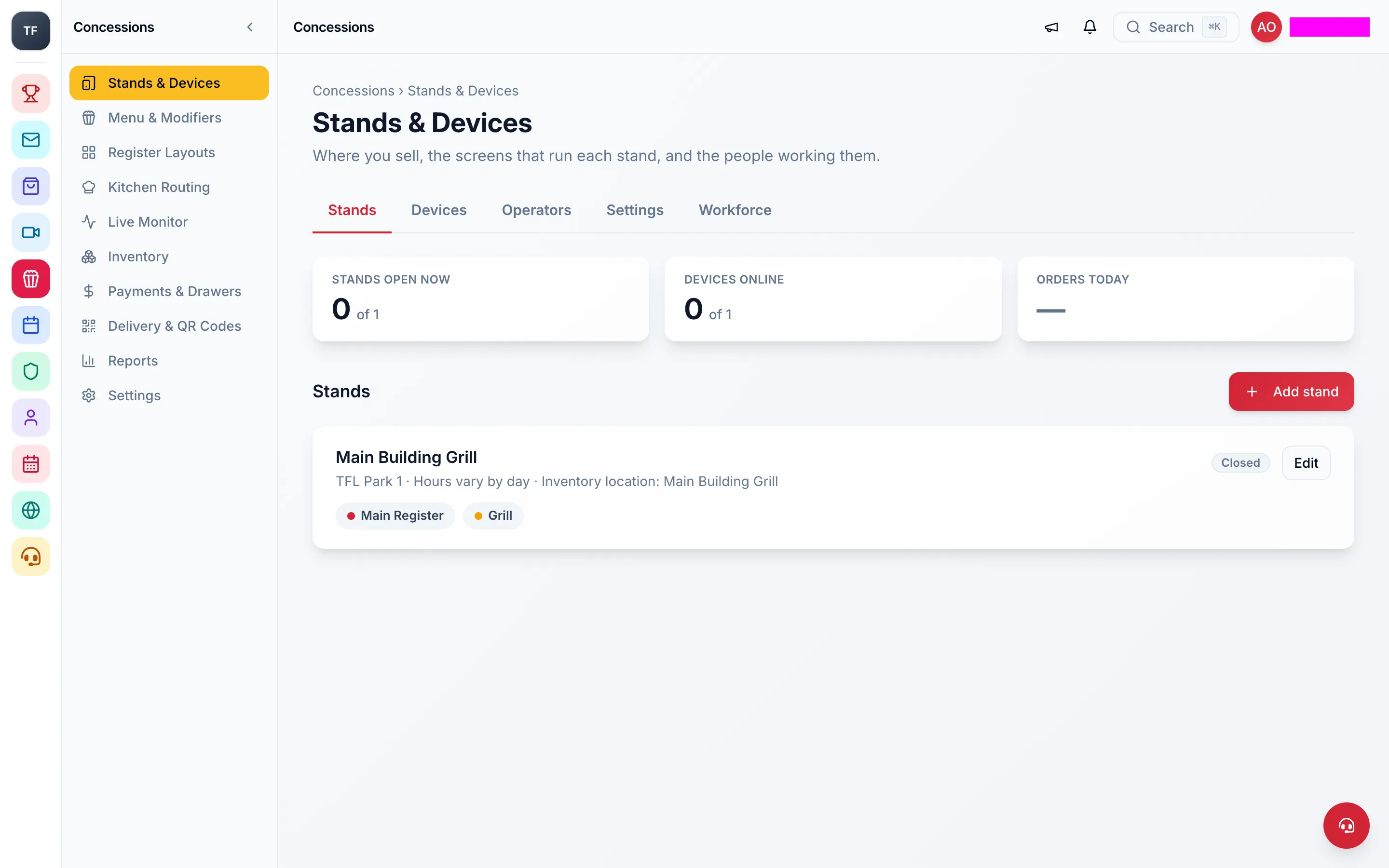
The screens
Section titled “The screens”| Screen | What it’s for |
|---|---|
| Stands & Devices | Your stands, the tablets and screens at each one, and the people who work them |
| Menu & Modifiers | What you sell, the choices that go with it, combos, register tabs and kitchen route keys |
| Register Layouts | How the register touchscreen is laid out |
| Kitchen Routing | Which kitchen screen makes each kind of item |
| Live Monitor | Open orders, kitchen ticket times and which devices are online |
| Inventory | Stock at each stand, waste, counts, reorder alerts and food cost |
| Payments & Drawers | Pricing, discounts, the card processor, and cash drawers |
| Delivery & QR Codes | Seat and spot delivery, and the QR codes guests scan to order |
| Reports | Sales, payments, discounts, food cost and kitchen times |
| Settings | League-wide defaults such as tax, tips and mobile ordering |
Set it up in this order
Section titled “Set it up in this order”- Turn Concessions on in Settings › Modules.
- Add a stand and the people who work it. See Stands, devices and operators.
- Build your menu: items, choices, combos and register tabs. See Build your menu.
- Lay out the register, then route items to the kitchen. See Register layouts and kitchen routing.
- Set tax and payments in Settings and Payments & Drawers.
- Pair the tablets at the stand and ring a test order.
- Turn on guest ordering if you want it. See Run the stand.